

Top 5 Christmas Light Software Tools Installers Actually Use
Running a Christmas light installation business today involves more than hanging lights. Quoting accurately, planning layouts, managing customers, and staying organized during the season all require the right software.
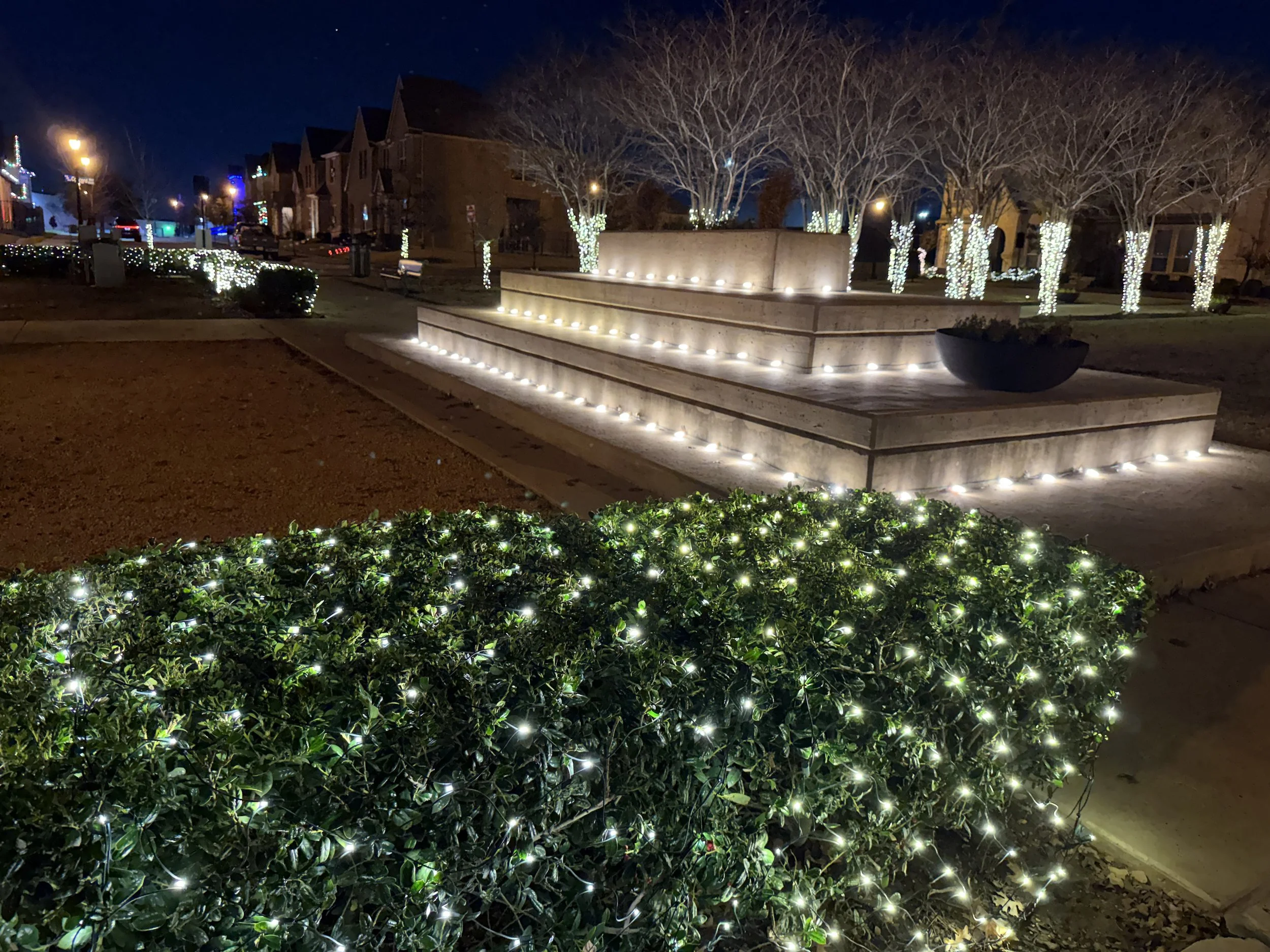
HOA with Christmas Lights
Most professional installers don’t rely on a single platform. Instead, they use a small stack of tools, each serving a specific role. Below are five of the most commonly used Christmas light software tools, ranked based on how directly they impact real-world installer workflows.
As Owner of Grants Outdoor here’s my Top 5 Christmas Light Softwares Installers Actually Use
1. Grants Pro Estimator Christmas Light Design Software
Ofcourse Grants Pro Estimator Christmas Light Design Software is #1. I use it all year for my estimating and Christmas light designs. Grants Pro Estimator is used specifically for designing Christmas and permanent lighting layouts. Unlike general business software, it focuses on the part of the job that directly affects sales. Letting the client visual the lights helps sale more lights in my experience.
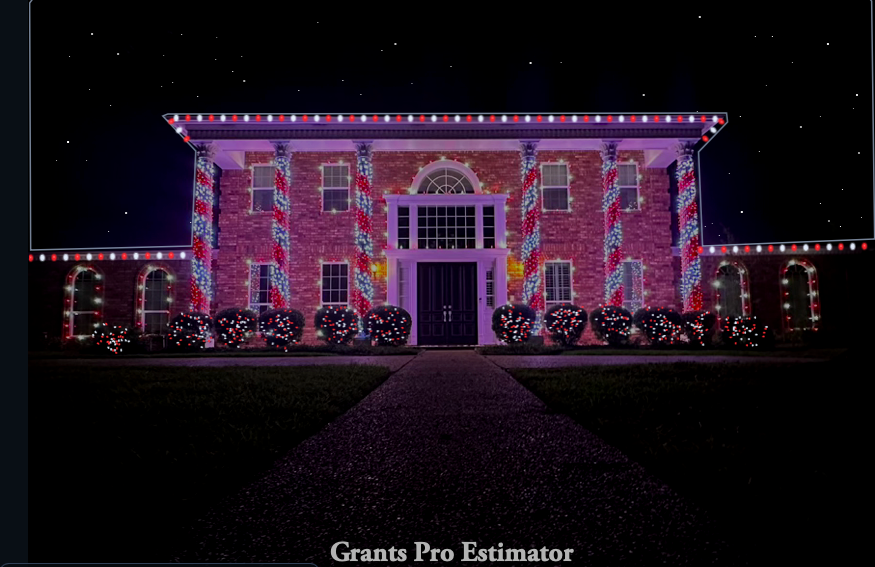
Christmas Light Design with Grants Pro Estimator
Installers use Grants Pro Estimator Christmas Light Design Software to measure rooflines, plan lighting layouts, and estimate jobs by the foot. The ability to create visual previews helps homeowners understand what they are buying, which often leads to faster approvals and fewer changes later. Write on the screen to help with organizing clients.
Many installers rank Grants Pro Estimator Christmas Light Design Software as their most important tool because it connects the sales process to the installation itself. Instead of guessing or manually sketching designs, installers can create consistent Christmas light designs.
2. Jobber
Jobber is widely used by Christmas light installers to manage the operational side of the business. It helps with scheduling, invoicing, and tracking customer information once a job is sold.
Pricing typically ranges from about $29 to well over $300 per month, depending on features and team size.
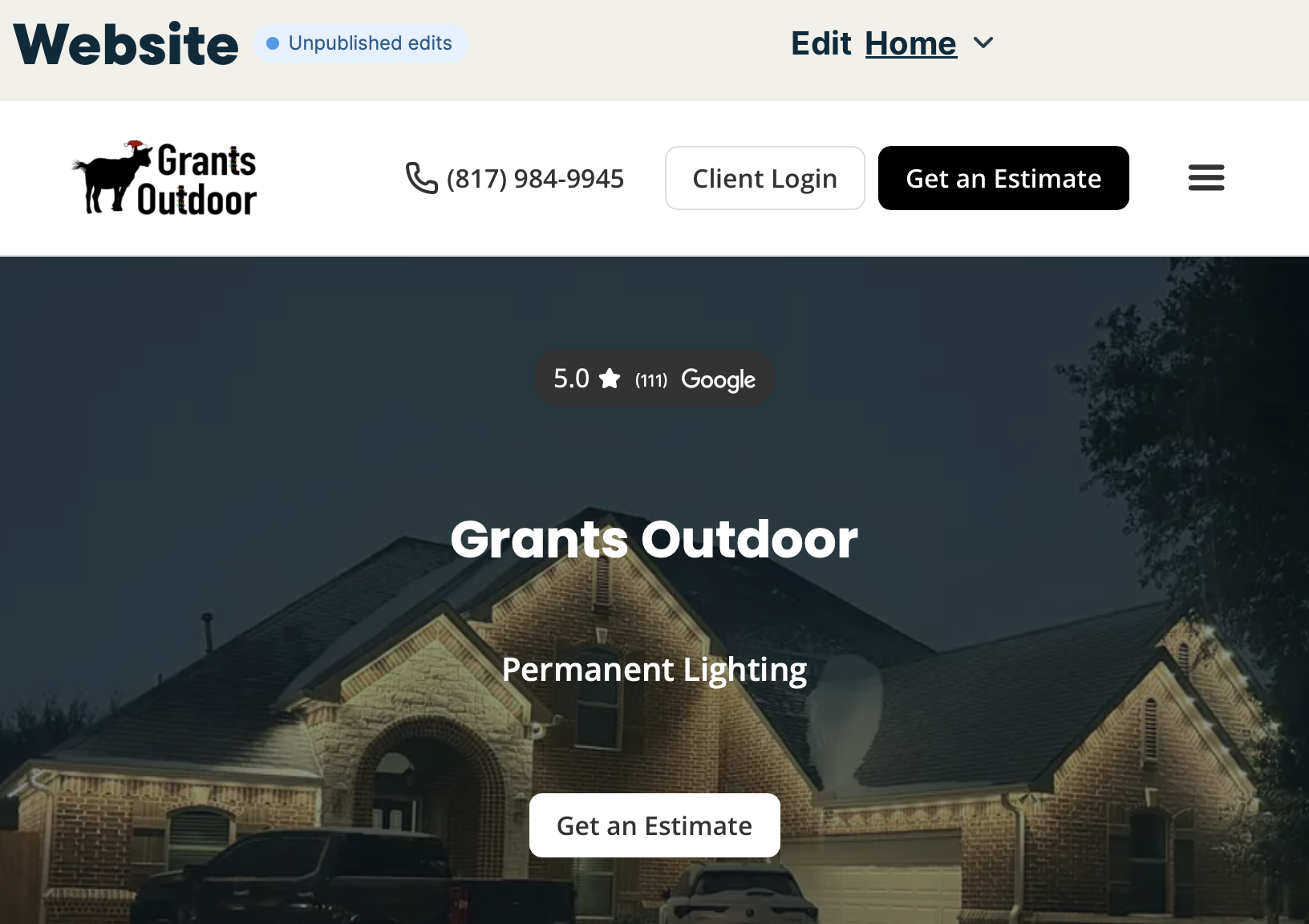
Jobber Website Design
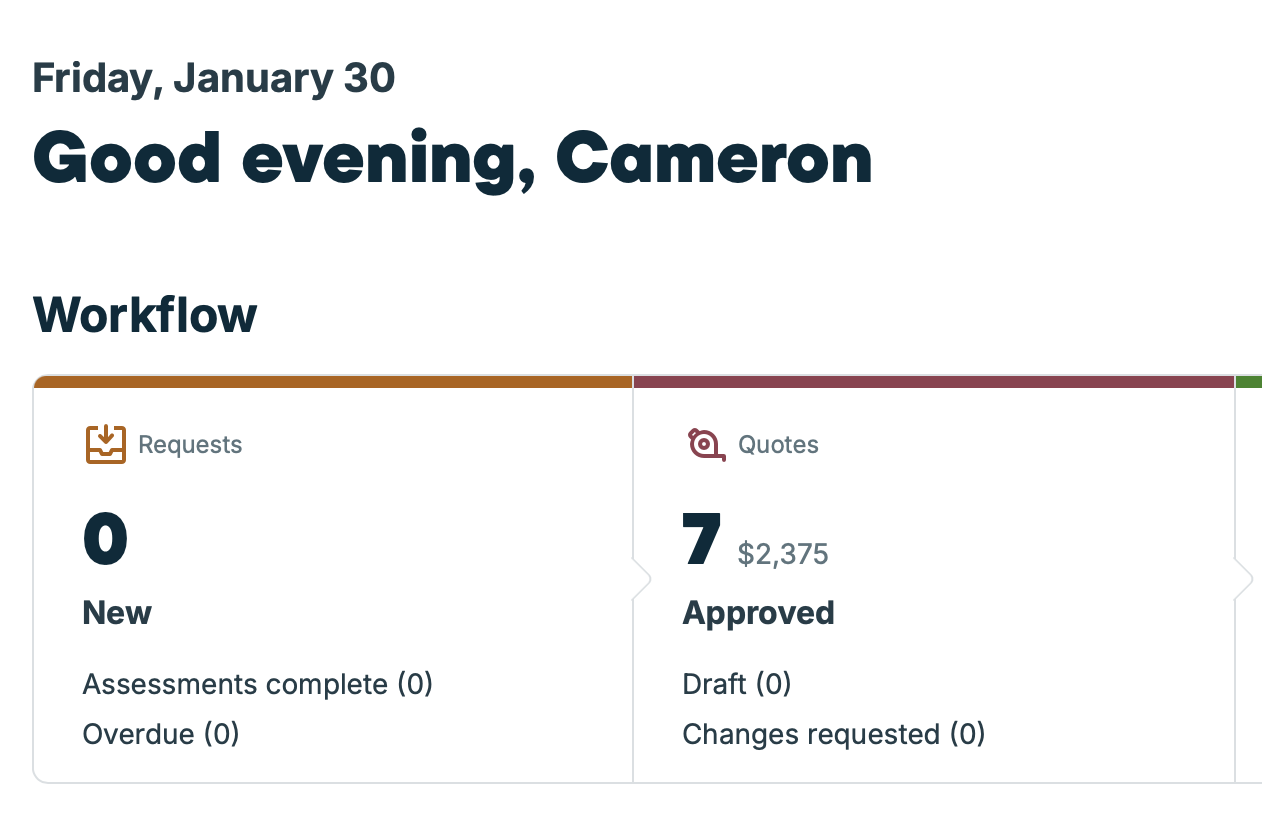
approved quotes on jobber
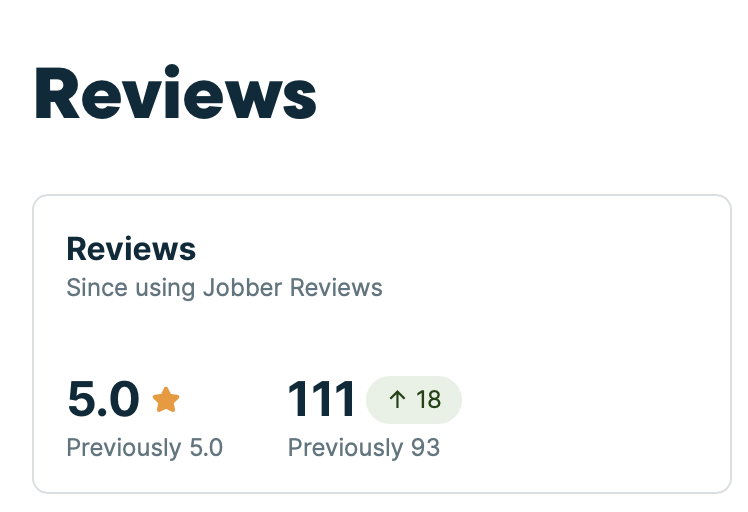
reviews from google my business
While Jobber does not assist with design or layout planning, it plays a key role during installation season. Most installers use Jobber alongside design software rather than as a replacement for it. I use jobber to connect with my existing clients and also get more reviews. reviews are important and I sync google my business account with jobber and can ask for reviews after closing jobs or invoices. Also there’s a long list of other things jobber is capable of. it’s a full CRM and can run your entire company with ease. I pay for the most expensive plan to run my business because it’s honestly worth it. I also added on the marketing and campaigns feature which targets all the emails collected from forms to inform customer of anything new or promotions. My favorite part of jobber is how simple tracking jobs is and also adding photos and images to quotes. Jobber helps grow my revenue as a Christmas light installation company way more than any free softwares could.
3. WordPress
WordPress is commonly used by Christmas light companies that want to rank locally and generate long-term traffic to a website. Installers use it to publish blog posts, answer customer questions, and explain services like holiday lighting or permanent lighting to target local customers in. SEO which stands for search engine optimization is very important to stand out. But brute force is not what you want with SEO. You want high quality content that’s clear and useful to the viewer. The Christmasplug.com is built on Wordpress
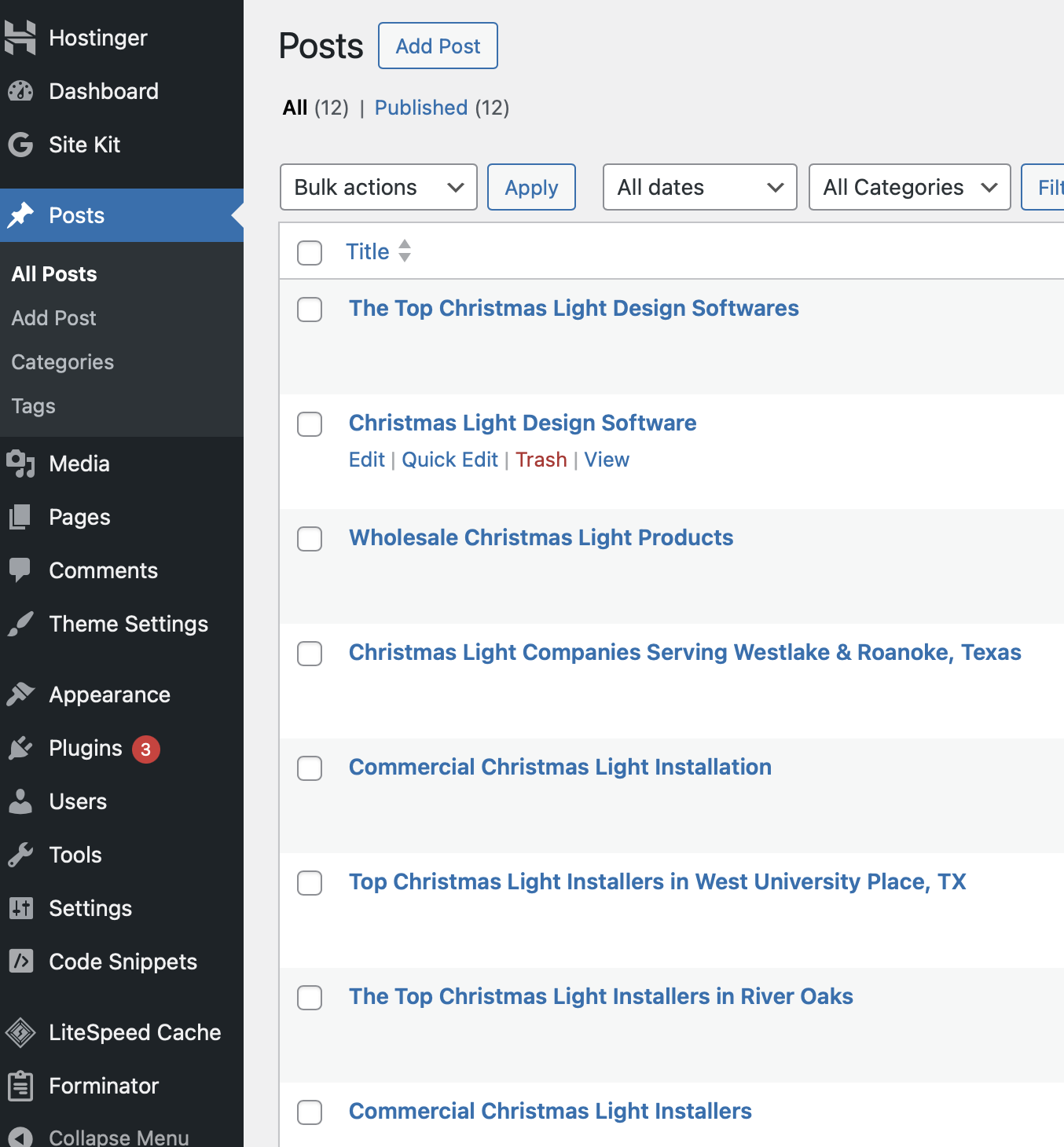
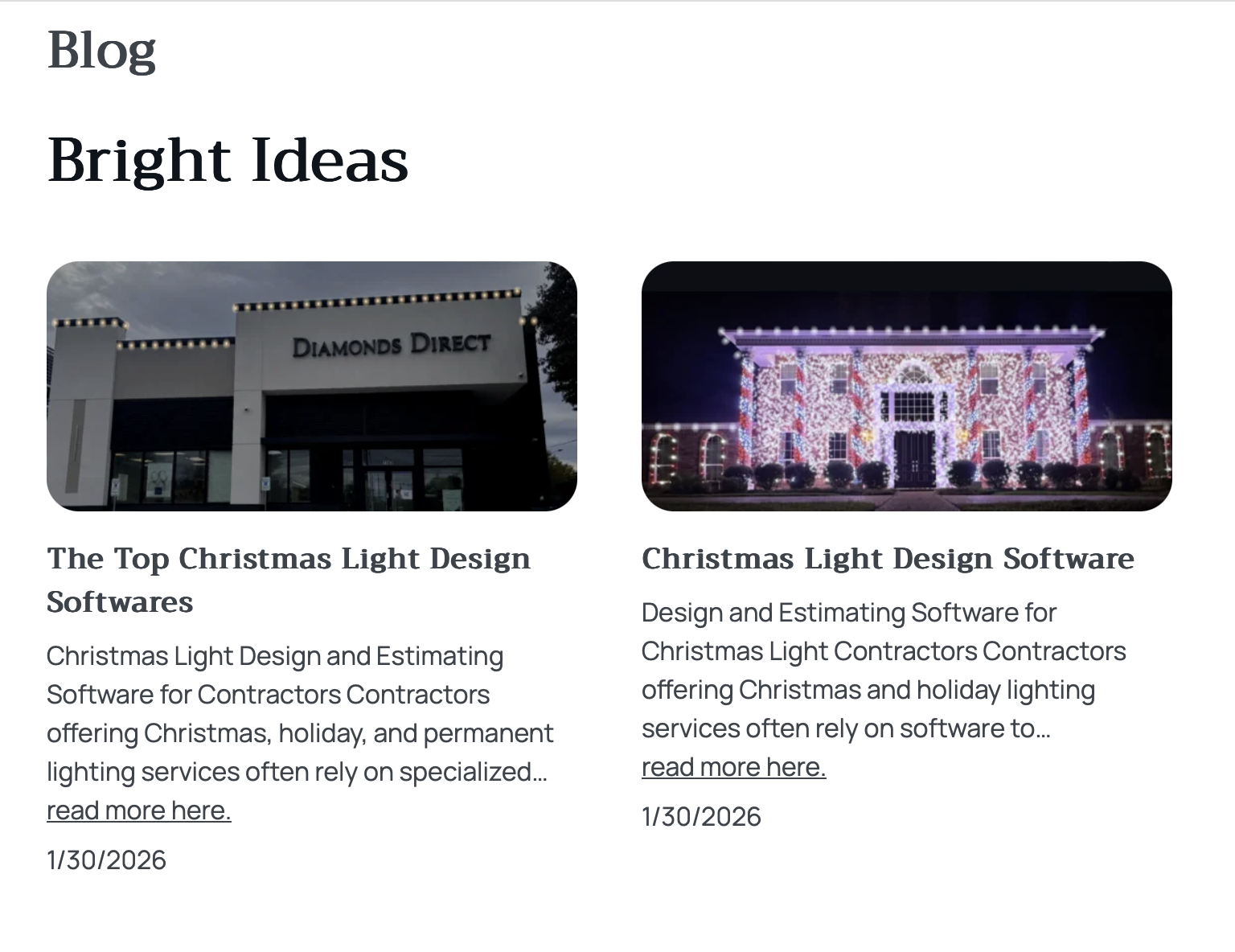
WordPress helps bring leads in, but it does not help calculate footage or design lighting layouts. It’s a marketing platform, not a quoting or design tool.
WordPress itself is free, but most businesses pay for hosting, a domain, and plugins. In practice, a professional WordPress website usually costs between $50 and $400 per year, depending on features and setup.
4. Squarespace
Squarespace is another popular website platform used by Christmas light businesses. It’s often chosen for its ease of use and clean design. GrantsOutdoor.com is built on Squarespace platform and is capable of e-commerce, digital sales, memberships, subscriptions, gift cards, forms, blogs, scheduling, invoicing, and so much more to list.
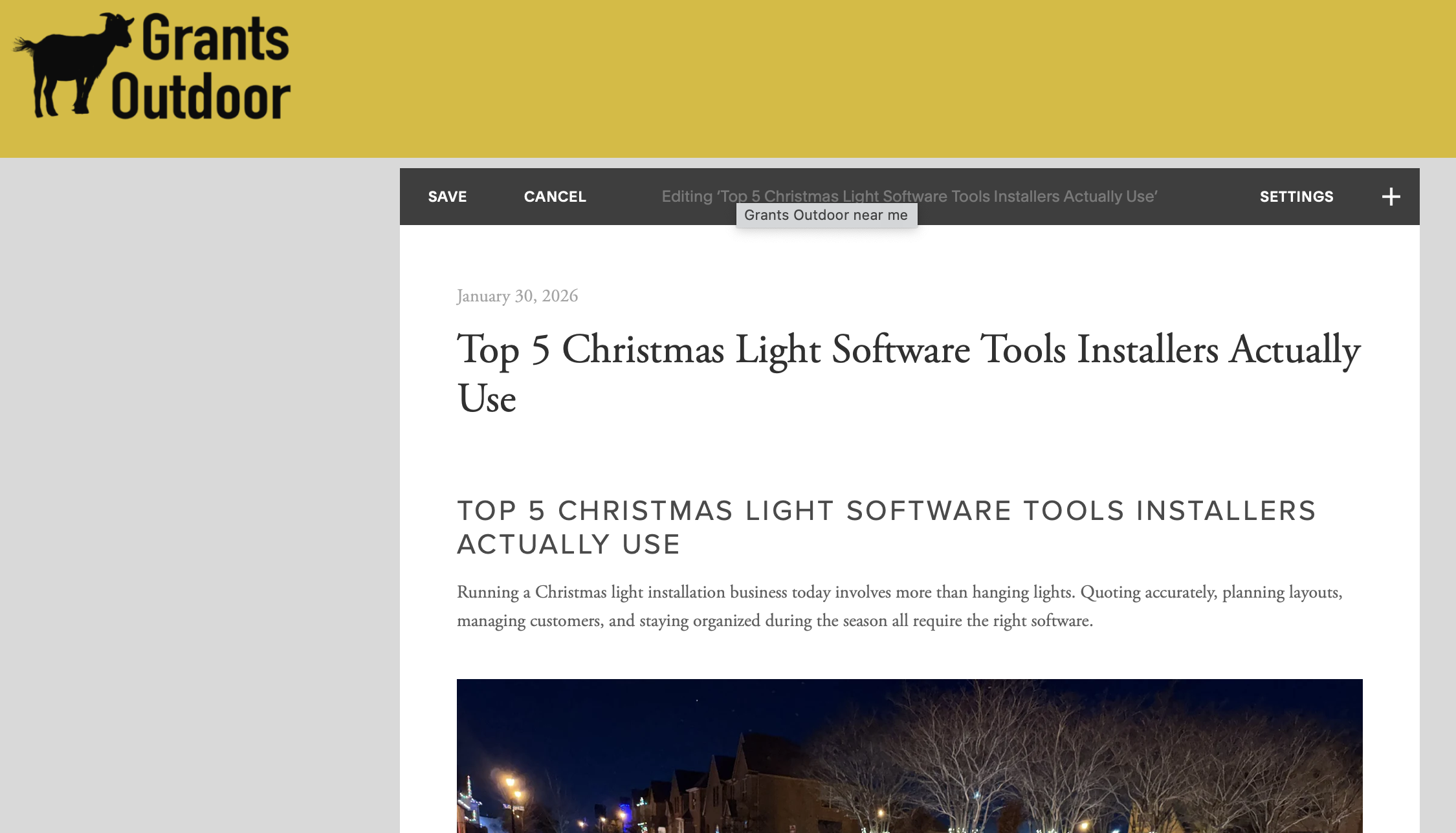
Editing the Christmas light Blog Post
Like WordPress, Squarespace helps installers look professional online and collect leads. However, it does not play a role in designing or pricing Christmas light installations.
Squarespace is a paid website platform with hosting included. Plans typically cost between $16 and $49 per month, depending on features like ecommerce, scheduling, and advanced marketing tools.
5. ChatGPT
ChatGPT is an AI tool many businesses use for writing estimates, emails, and marketing content. Plans range from free to about $20 per month for advanced features and faster performance.
ChatGPT has become a common support tool for many service businesses, including Christmas light installers. It’s often used to write estimates, respond to customer inquiries, and generate marketing content during the busy season or enhance your photos. you can think of all sorts of prompts for ai or specifically chatgpt to do for free or images to generate.
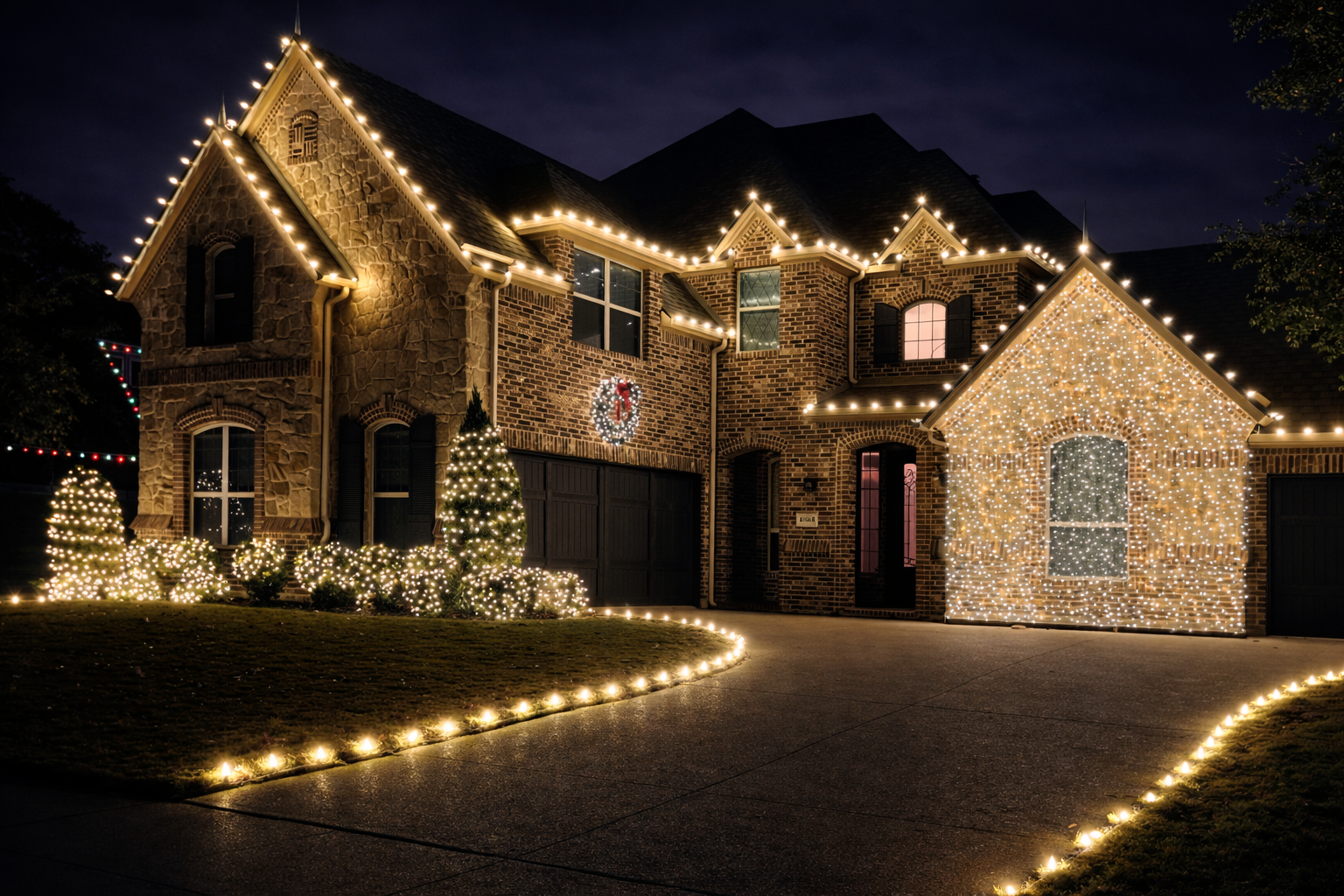
Enhance photo of a real christmas light installation by Grants Outdoor in DFW

A enhanced and altered stock phot of a Christmas light C9 Clip
ChatGPT can save time on communication, but it cannot visually design lighting layouts or measure rooflines. Most installers use it as a supporting tool rather than a core system.
Try these prompts out below
1. Christmas Light Design Image Prompt (Client Preview)
Prompt:
Create a realistic image of a residential home with professional Christmas lights installed along the roofline, peaks, and windows. Use warm white C9 lights, evenly spaced, clean professional installation style, nighttime setting, high realism, realistic shadows, no cartoon style.
Use case:
Quick visual previews for customers who need help imagining the final result.
2. Permanent Lighting Visualization Prompt
Prompt:
Generate a realistic image of a modern home with permanent LED trim lighting installed under the eaves. Show multiple color scenes including warm white, red and green, and soft accent lighting. Professional installation, clean lines, realistic lighting effects.
Use case:
Upselling permanent lighting year-round.
3. Christmas Light Marketing Plan Prompt
Prompt:
Create a 30-day marketing plan for a Christmas light installation business targeting residential homeowners and commercial properties. Include social media ideas, local SEO strategies, referral offers, and seasonal promotions.
Use case:
Season kickoff planning.
4. Website Homepage Copy Prompt
Prompt:
Write homepage copy for a professional Christmas light installation business. The tone should be trustworthy and local. Include a clear value proposition, benefits of professional installation, and a call to action for a free quote.
Use case:
Fast website launches on WordPress or Squarespace.
5. Service Page SEO Prompt
Prompt:
Write an SEO-optimized service page for Christmas light installation in [City, State]. Include pricing factors, what’s included, safety benefits, and why hiring a professional installer matters.
Use case:
Local SEO domination.
How Professional Installers Use These Tools Together
A typical Christmas light installer software setup includes:
WordPress or Squarespace for the website
Grants Pro Estimator Christmas Light Design Software for layouts and pricing
Jobber for scheduling and invoicing
ChatGPT for writing and communication support
Each tool fills a different role, but Grants Pro Estimator Christmas Light Design Software is the one that directly affects how jobs are sold and priced.
Final Thoughts
Not all Christmas light software is designed for the same purpose. Some tools help generate leads, others help manage jobs, and some improve communication.
When it comes to designing lighting layouts, pricing accurately, and showing customers exactly what they’re getting, Grants Pro Estimator Christmas Light Design Software stands out as the most directly useful tool for installers. As competition increases and expectations rise, many professionals find that having dedicated design software becomes essential rather than optional.